

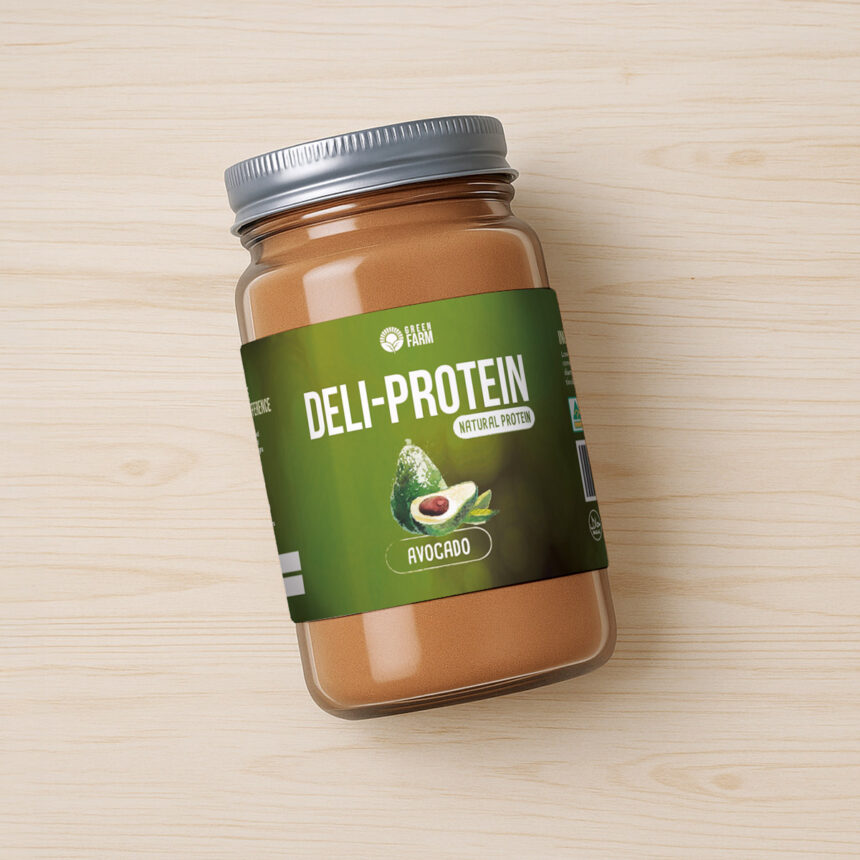
One moment trips up almost every first-time buyer. The artwork looks perfect on screen, the colours sing, and then the printed label arrives with the logo sitting slightly off-centre. Online label printing removes most of that guesswork, but only if you understand what happens between the file you upload and the roll that lands at your door. The steps are not complicated. Most people never check them because they’re invisible.
So what does online label printing actually involve? Five stages, give or take. Setup, artwork, proofing, press, finishing. Each one has a point where things can go wrong, and a simple way to avoid it.
Stage One: Picking Your Shape, Size and Material
Everything starts with the physical decision, not the design one. Shape first. Circle, square or rectangle, depending on your container.
Then size. This catches people out more than anything else. A label that looks right on a screen can wrap awkwardly around a curved bottle.
Measure the flat printable area of your container. Not the full circumference, just the part that sits reasonably flat.
Material comes next:
- Paper for dry goods, jars, coffee, pantry products
- Synthetic polypropylene for anything that meets water or oils
- Metallic silver when you want a foil look without foiling
A sample kit settles this in about ten minutes. Holding the stock tells you more than any description ever will.
Stage Two: Preparing Artwork That Prints Correctly
Now the file. You can upload your own design or build one in the site’s editor.
Either way, three things matter.
Bleed. Extend your background past the trim line so no white slivers appear after cutting. Usually a few millimetres.
Safe area. Keep text and logos well inside the edge. Trimming has tolerance, and anything sitting right on the line can look uneven across a roll.
Resolution and colour. Supply images at print resolution rather than screen resolution. A logo pulled from a website rarely holds up at full size.
This stage matters more than the rest. Press quality is consistent. Your file is the variable.
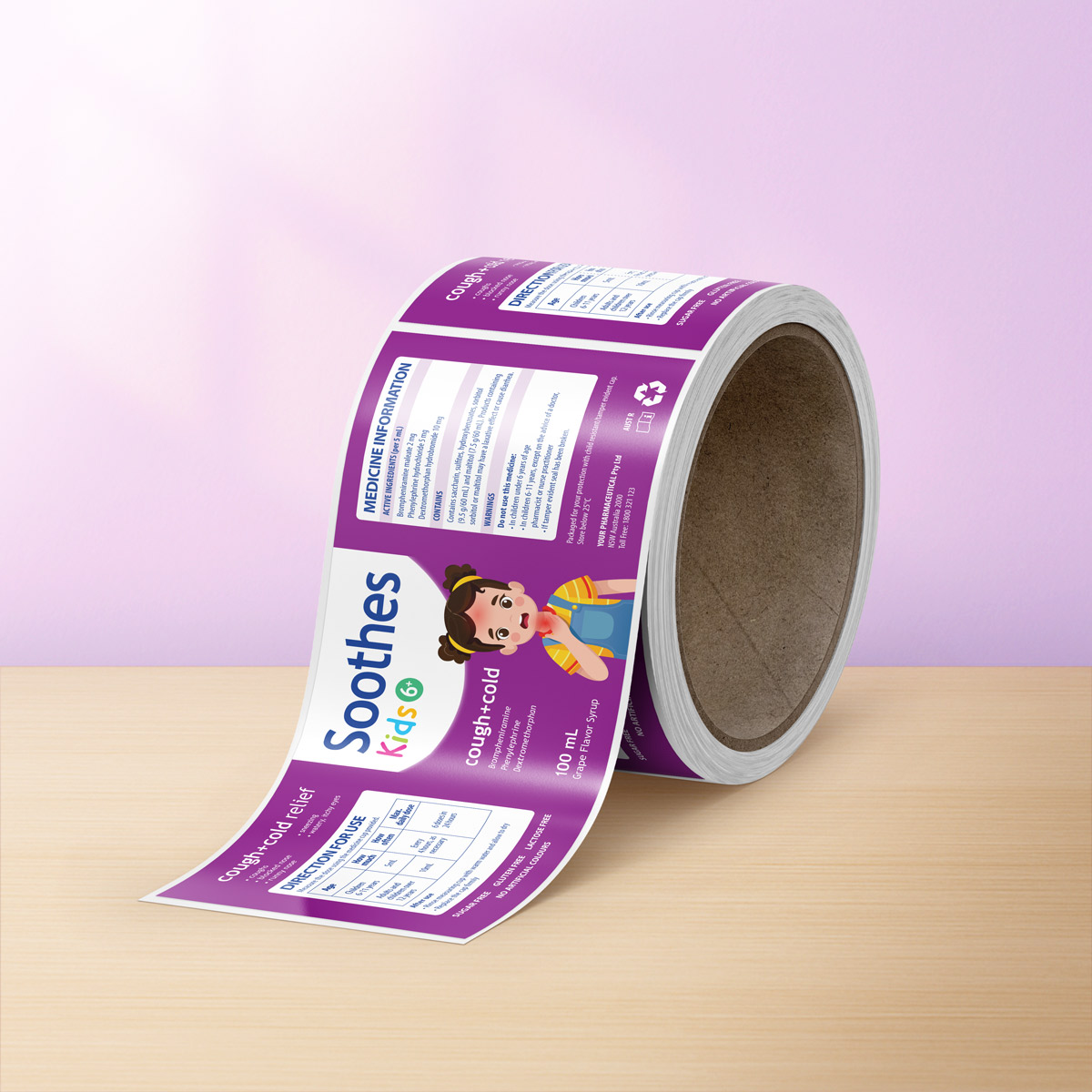
Stage Three: Checking the Proof Before Anything Prints
This is the part people rush, and perhaps the part worth slowing down on.
Read the proof like a stranger would. Check spelling first, then numbers, then anything legal.
- Product name and variant
- Volume or weight
- Ingredients or contents
- Barcode, if you use one
- Website address
Ask someone else to read it too. Your eyes stopped seeing your own label weeks ago.
I have heard of brands catching the wrong batch size at this exact point, saving them an entire reprint. Small thing, big save.
Stage Four: Printing on an HP Indigo Press
Once approved, the file goes to press. LabEX prints on an HP Indigo press, the same digital press technology used by large brands.
Digital printing suits short and medium runs because it needs no printing plates. That keeps setup costs low and makes small quantities realistic.
It also means colour stays consistent from the first label to the last. Reorder in three months, and your labels should match the ones you have now.
All printing happens in Australia.
Stage Five: Finishing and Rolling
After printing comes the finish. Gloss lifts colour and adds shine. Matte reads softer and more understated. Uncoated gives a natural, tactile feel that suits certain wine and artisan products.
Your choice here changes how the label looks under shop lighting, so think about where the product will actually sit.
We then cut labels and wind them onto rolls. Rolls rather than sheets, which makes application quicker whether you apply by hand or feed them through a machine.
Personalised labels go out within three to five business days.
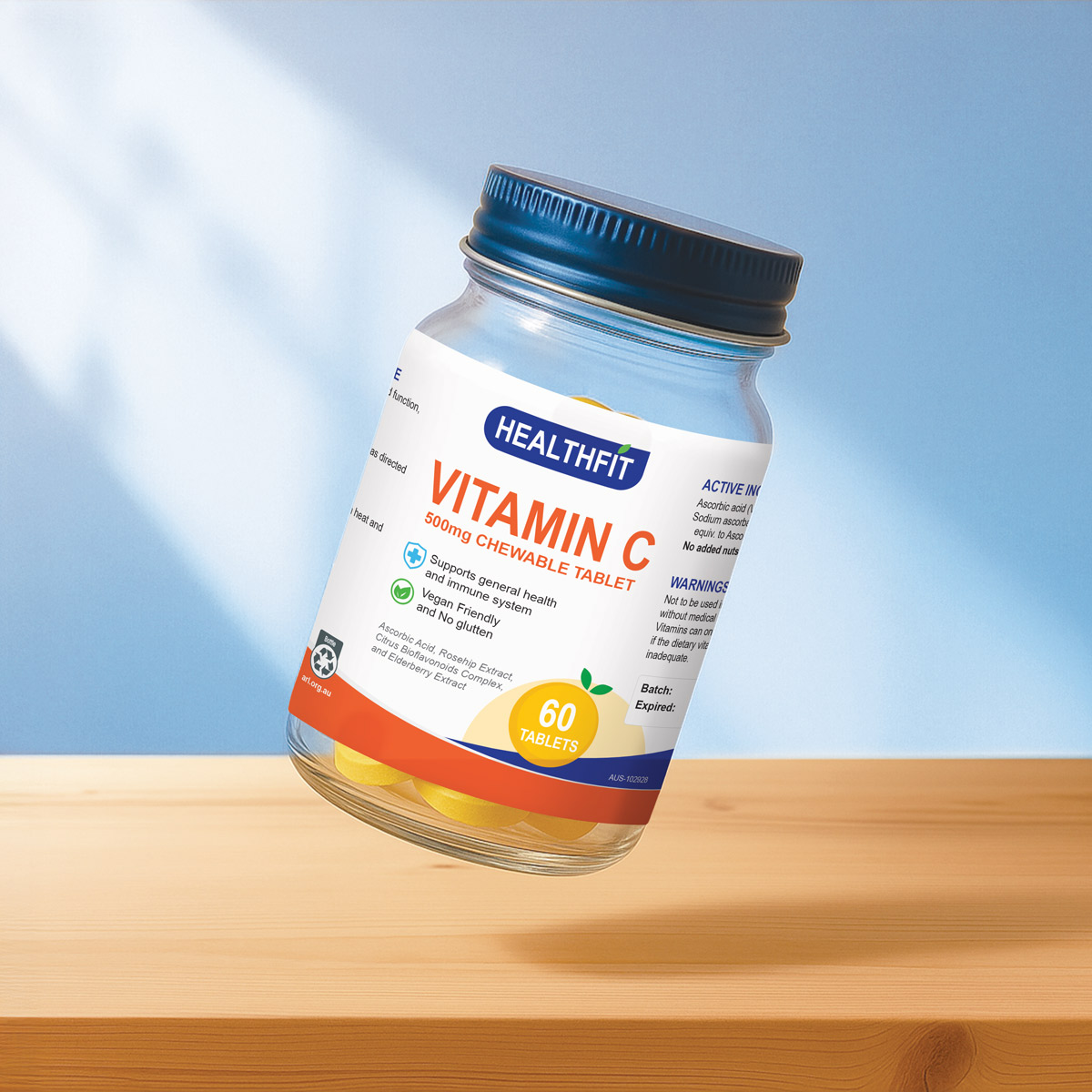
What Happens After the Roll Arrives
Open the box and check a few labels straight away. Look at colour, trim and text position.
Store the roll somewhere cool and dry. Heat and damp both affect adhesive performance over time.
Apply to a clean, dry surface. Any residue, oil or moisture under the label weakens the bond.
Your second order is easier. Your file is already correct, so you repeat the process with far less thinking.
Common Mistakes Worth Avoiding on Your First Order
Let’s break down what actually goes wrong most often.
- Artwork built without bleed
- Text placed too close to the trim edge.
- Low-resolution logos stretched to fit.
- Guessing the label size instead of measuring
- Approving a proof without a second reader
- Choosing paper for a product that lives near water
None of these is expensive to fix before printing. All of them are expensive afterwards.
Getting Your First Order Right
The process rewards preparation. Measure properly, build the file with bleed, read the proof twice, and the rest tends to take care of itself.
Order a sample kit if you are unsure about material or finish. It costs little and removes the biggest unknown.
Then upload, approve, and wait for the roll.
Visit https://www.labex.com.au/